Turn any photo into a moving clip.
Give a photograph a direction, not just movement. The product, the person and the scene stay as photographed. The camera and the subject do what you asked.
See it in the playground.
Drop in a photo, say what should happen, press Animate. Click the demo to watch it with sound.
Image to video
Three stills turned into moving clips.
Three stills, three kinds of movement. In each clip you can still see the picture it started from.
See how it works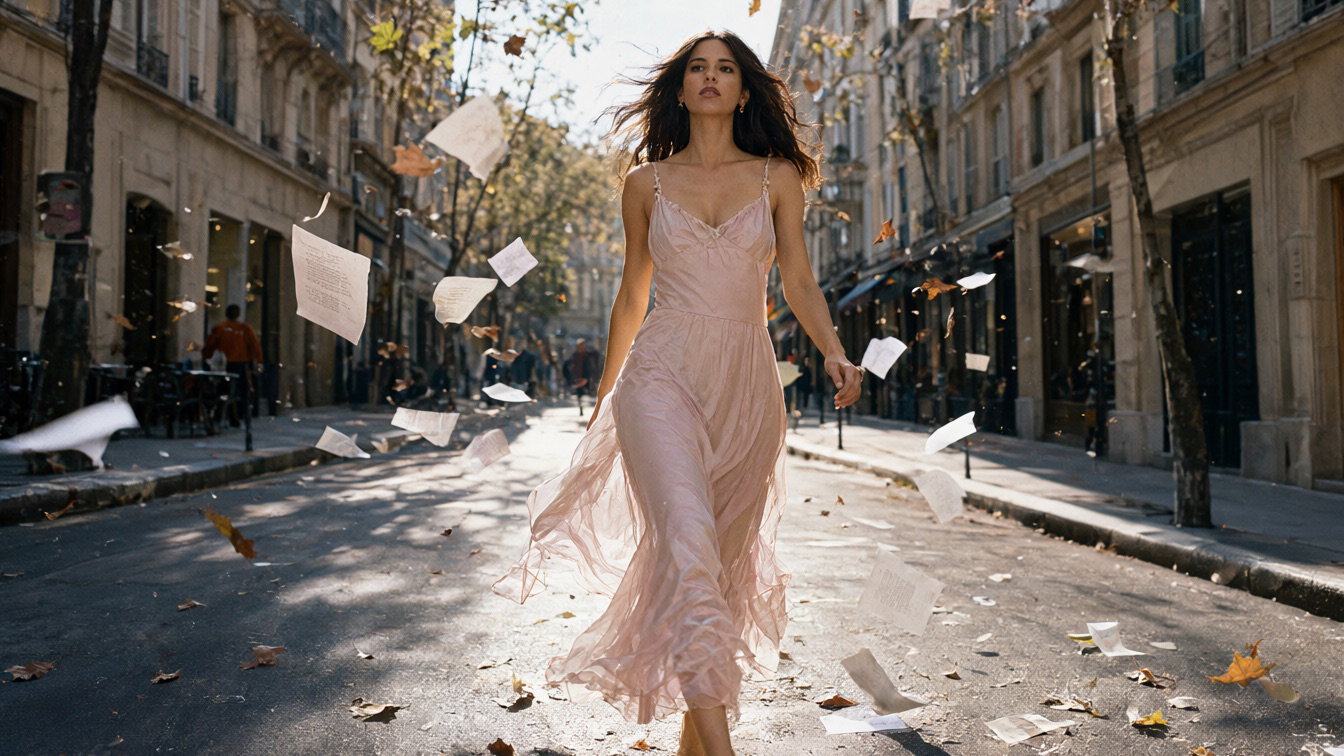
One picture in. A talking clip out.
The first frame is the picture. The presenter moves, shows the product and speaks, and the voice comes with the clip. Watch the steps run.
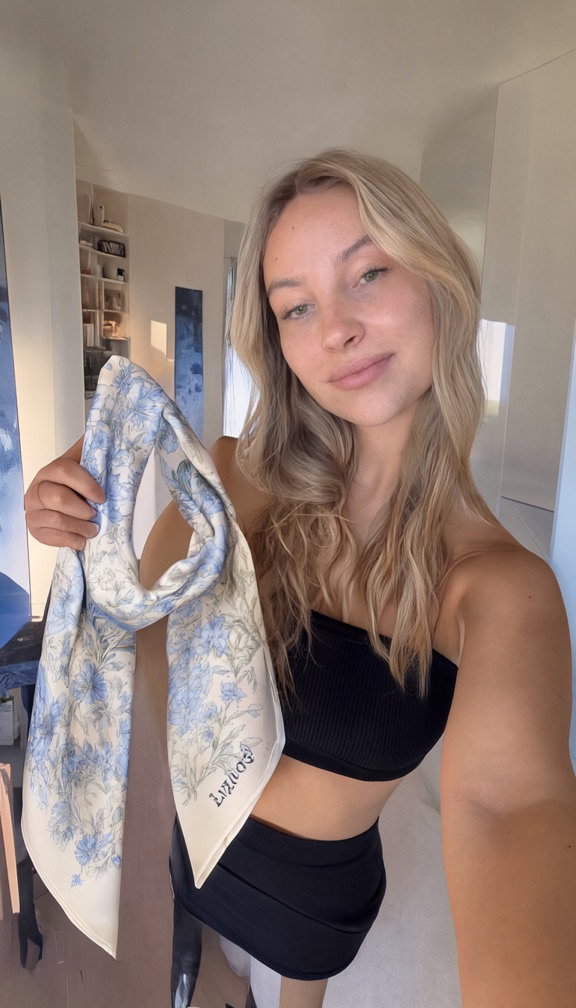
One picture.A presenter with the product, made by our image model.
- 1Starts from the pictureIts first frame is the picture, so the person, the scarf and the room stay as they are.
- 2Moves it as askedThe presenter holds the scarf up to the camera to show its pattern.
- 3Speaks the lineThe voice and the lip movement come with the video, made in the same pass.
Silk scarf.10 s, vertical, made from that one picture.
A replay of the steps. Nothing is generated on this page.
Give the first frame and the last.
Upload the photo you start from and the frame you want to end on, and the model makes the shot between them. An empty room fills with furniture; a bud opens into a full bloom.
First and last frame
How a photo becomes a moving shot.
Upload
A sharp photo with a clear subject.
- She walks toward the camera as the papers blow past5 s
Direct
Tell us how the camera and subject should move.
- 9:161:116:9720p
Format
Pick the length, ratio and resolution.
Render
The shot renders and lands in the playground or on your webhook.
Built for teams with good photos and channels that want motion.
E-commerce motion
Product pages and listings that move without a second shoot.
Social cutdowns
Turn campaign stills into feed-ready clips.
Hero banners
A slow push on the image your homepage already uses.
Email loops
Short loops that hold attention in the inbox.
Out-of-home
Bring a print visual to a digital screen.
Previsualization
Test a camera idea before the real shoot.
Questions and answers
What people ask before their first upload.
Can the product stay perfectly unchanged?
The model keeps the subject as photographed and moves the camera and the scene the way you describe. Check the clip in the playground before you use it; if a detail drifts, run it again with a tighter prompt or another seed.
What kind of source image works best?
A sharp photo with a clear subject. Even light and a little space around the subject give the camera room to move.
Can I specify the final frame?
Yes. Send a second image as the last frame and the clip moves from your photo to it, as in the three examples above.
Give your best still a second life.
Upload a photo in the playground and describe the move. For volume work or a custom setup, talk to us.
Discuss image to video